
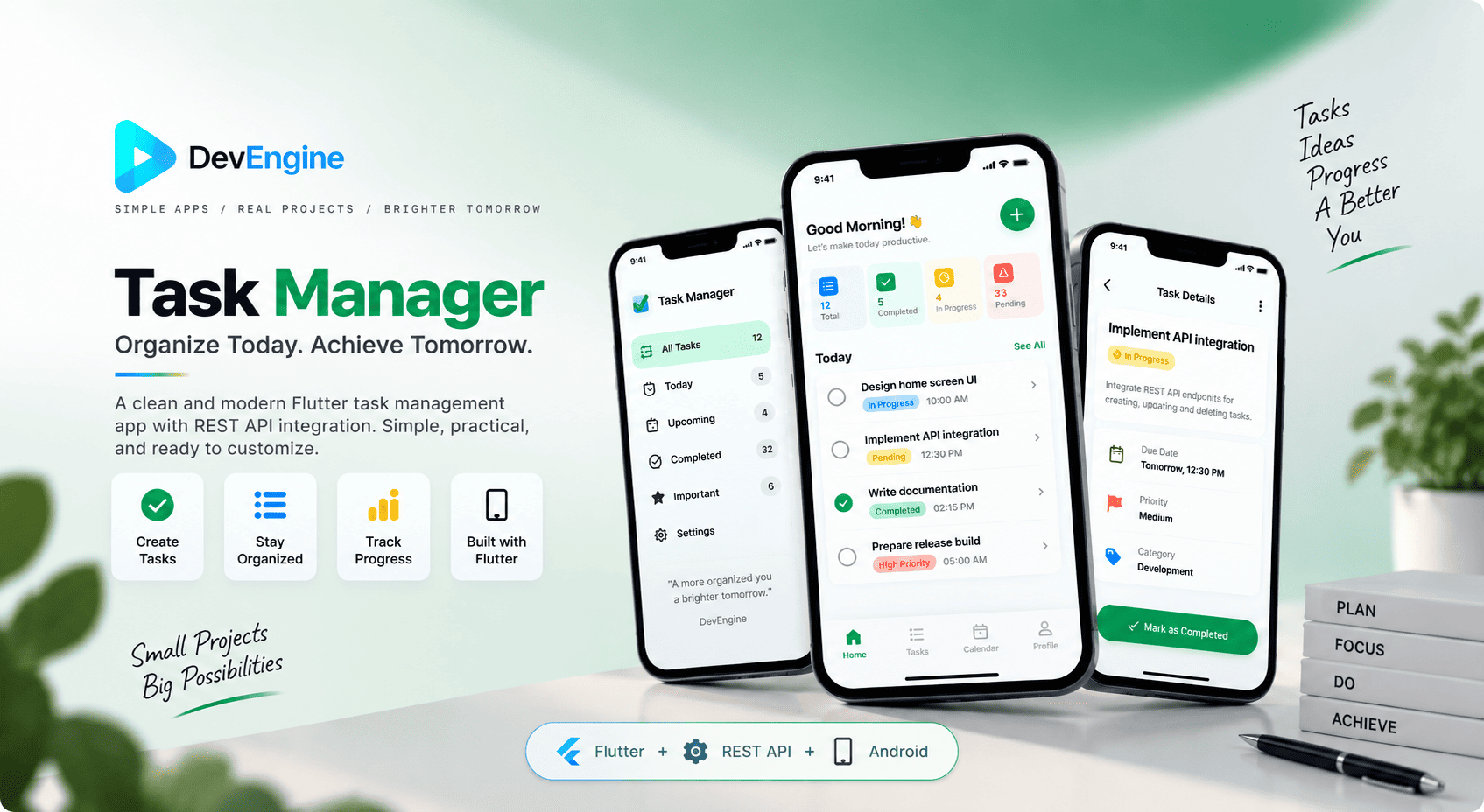
System Specification // ANDROID

Task Manager

A clean Flutter task management app powered by REST API

Type:ANDROID
Platform:Cross-Platform
Version:2.4.0
Status:Active
Release:Q4 2024
lockSYS://task-manager.app/production
📱 Overview Mockup
Task Manager - View 1
zoom_inClick to expand full screen

Project Snapshot

Essential engineering parameters and deployment specifications.

Source Code
100% Included

Complete production repository

Support
6 Months

Direct developer onboarding

Updates
Lifetime Free

Continuous patch releases

Documentation
Comprehensive

Architecture & deployment guide

Understanding The Architecture

In-depth breakdown of product goals, problems solved, and technical value.

01

The Idea

Create a simple and practical task management application that demonstrates how a Flutter mobile app can communicate with a REST API while keeping the user experience clean and easy to understand.

02

The Problem

Many beginner productivity applications become unnecessarily complicated. The goal here was to keep the core workflow focused on task creation and management without introducing unnecessary product complexity.

03

The Solution

The application uses Flutter for the mobile interface and REST API integration for task data. The structure keeps the core CRUD workflow straightforward, making the project easy to understand, run, customize, and extend.

04

The Engineering Value

An affordable starter codebase for developers, students, and small teams who want a working Flutter project that can be customized into a personal productivity tool or used as a foundation for a larger application.

update
Current Build
2.4.0
architecture
Core Stack
Flutter & Dart
devices
Target Ecosystem
Cross-Platform

Live System Demonstration

Inspect the system running live with simulated real-world telemetry and workflows.

open_in_newOpen on YouTube ↗

Engineered Tech Stack

Production dependencies, frameworks, and architectural building blocks.

Flutter
Dart
REST API
Android Studio

Installation Manual & Deployment

terminal — bash
INSTALL.md
1. Download and extract the project source code.
2. Open the project in Android Studio or VS Code.
3. Install Flutter dependencies with `flutter pub get`.
4. Configure the REST API base URL and required endpoints.
5. Connect an Android device or start an emulator.
6. Run the project with `flutter run`.
7. Build a release APK with `flutter build apk --release`.

Pricing & Inventory

SPECIAL OFFER

Full Commercial License

Complete production source code with unlimited commercial deployment rights.

Available Rates
BDT1,7501,750
USD1215

check_circleWhat's Included

  • check_circleFlutter Source Code
  • check_circleREST API Integration
  • check_circleComplete UI Screens
  • check_circleReusable Flutter Components
  • check_circleProject Setup Documentation
  • check_circleBasic Developer Support

cancelNot Included

  • cancelCloud Server Hosting Costs
  • cancelCustom Domain Name Registration
  • cancelThird-Party Paid API Keys (e.g. OpenAI / Google Cloud)
  • cancelBespoke Custom Feature Development
  • cancelApp Store / Play Store Publishing Fees

Frequently Asked Questions

You receive the Flutter source code, application UI, REST API integration, reusable components, and basic setup documentation needed to run and customize the project.
Task ManagerReady for Deployment