
Why User Experience Will Define the Next Generation of Digital Products
Why usability, accessibility, and thoughtful design matter more than ever in building successful digital products.

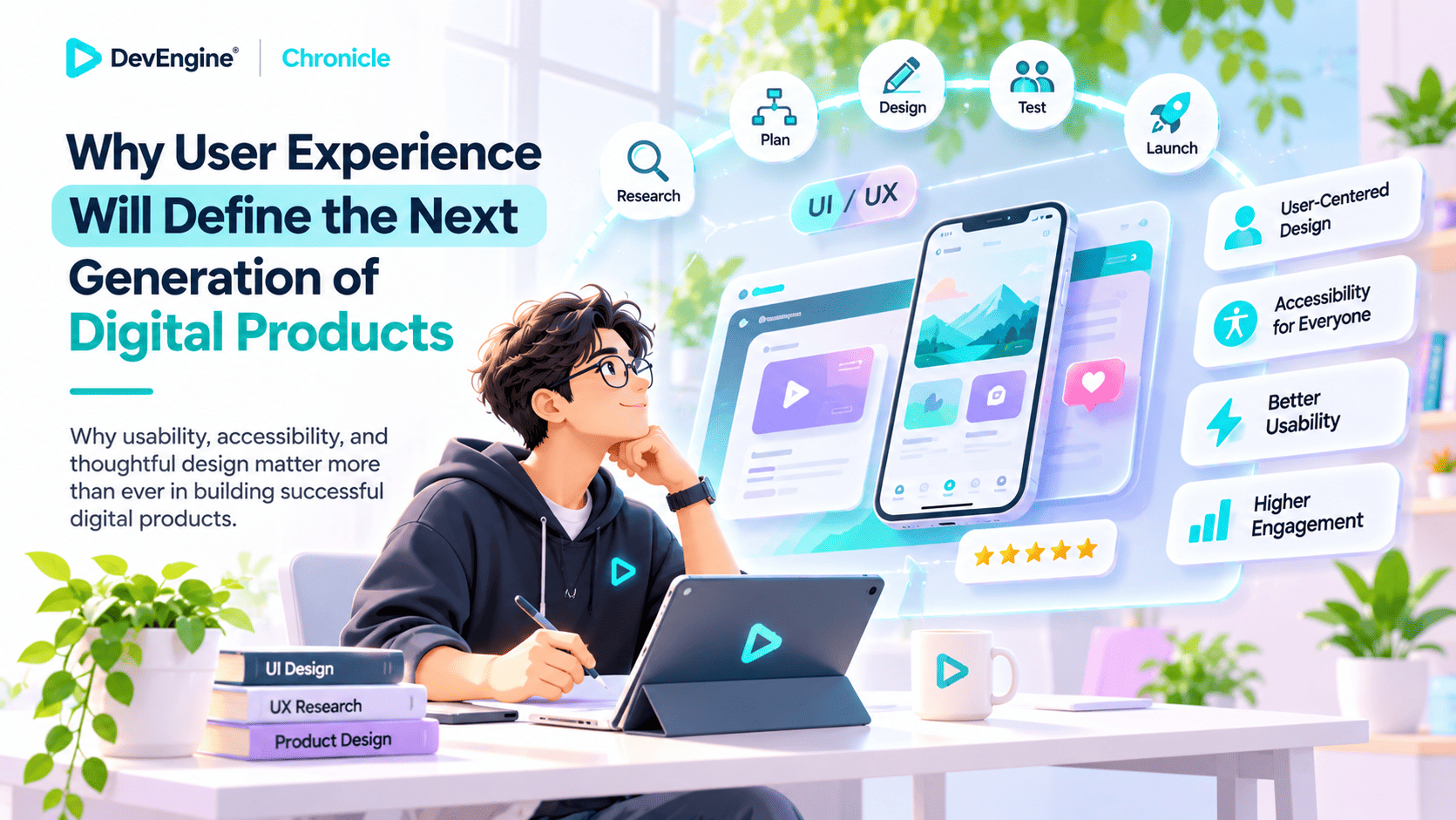
Why User Experience Will Define the Next Generation of Digital Products
Technology continues to evolve, but one thing remains constant: people want digital products that make their lives easier.
Whether someone is using a mobile application, browsing an online store, managing a business platform, or interacting with a software dashboard, the experience matters.
A product may have powerful features, advanced technology, and impressive performance, but if users struggle to understand how it works, its value becomes difficult to appreciate.
This is why user experience is becoming one of the most important factors in digital product development.
As businesses compete to build better applications and platforms, the difference between an average product and an exceptional one often comes down to how thoughtfully it is designed around the people using it.
1. What Makes User Experience So Important?
User experience, commonly known as UX, describes the overall experience a person has when interacting with a digital product or service.
It includes much more than the visual appearance of an interface.
UX considers how easily users can navigate a product, understand its features, complete tasks, recover from mistakes, and achieve their goals.
A good experience should make interactions feel natural and predictable.
For example, consider an online shopping application.
A user should be able to:
- Discover products without unnecessary confusion.
- Understand product information.
- Compare available options.
- Add items to a cart easily.
- Complete checkout without unnecessary steps.
- Receive clear order confirmation.
When these interactions work smoothly, the product becomes easier to use and more valuable to customers.
The purpose of UX design is not simply to make an application attractive. It is to make the entire experience useful, understandable, and enjoyable.
2. Good UI Design and Good UX Design Work Together
User interface design and user experience design are closely connected, but they focus on different aspects of a digital product.
User Interface (UI) focuses on the visual and interactive elements users see and interact with.
These include:
- Buttons and input fields.
- Typography and colors.
- Navigation menus.
- Cards and layouts.
- Icons and illustrations.
- Animations and visual feedback.
User Experience (UX) focuses on how the complete product works for its users.
It considers:
- Navigation clarity.
- Task completion.
- Information architecture.
- Accessibility.
- Interaction patterns.
- User expectations.
- Overall usability.
A beautiful interface cannot compensate for a confusing workflow.
Likewise, a functional application may feel difficult to use if its visual hierarchy, spacing, and interaction feedback are poorly designed.
Successful digital products bring UI and UX together.
3. Simplicity Is a Powerful Design Principle
Modern applications often contain many features.
However, adding more functionality does not automatically create a better user experience.
When users encounter too many buttons, unnecessary information, or complicated navigation, they may struggle to identify what matters.
This is where simplicity becomes important.
A thoughtful interface prioritizes the most relevant information and actions.
For example, a financial application should make important information such as account balance, recent transactions, and key actions easy to understand.
Less frequently used settings can remain accessible without dominating the main interface.
Good simplicity does not mean removing useful functionality.
It means organizing complexity in a way that feels manageable to the user.
4. Understanding Users Before Designing Products
One of the most common mistakes in product development is designing around assumptions instead of actual user needs.
Developers and designers may understand how a system works internally, but that does not mean new users will understand it in the same way.
User research helps teams discover how people think, what they expect, and where they experience difficulties.
Useful research methods include:
User Interviews
Direct conversations can reveal user goals, frustrations, expectations, and everyday challenges.
Surveys
Surveys help collect feedback from a larger group of people and identify common patterns.
Usability Testing
Observing people as they complete tasks can reveal confusing navigation, unclear instructions, and interaction problems.
Behavioral Analytics
Product analytics can help teams understand which features users interact with, where they leave a workflow, and which experiences may need improvement.
Research does not always require a large budget.
Even a small number of carefully planned user sessions can uncover problems that internal teams might otherwise overlook.
5. Accessibility Should Be Part of Every Digital Product
A successful digital product should be usable by as many people as reasonably possible.
Accessibility considers the different ways people interact with technology, including users with visual, hearing, motor, or cognitive disabilities.
It also helps people using devices in challenging environments or situations.
Some important accessibility practices include:
- Maintaining sufficient color contrast.
- Supporting keyboard navigation.
- Providing meaningful labels for interface controls.
- Using readable typography.
- Avoiding color as the only way to communicate information.
- Supporting screen readers.
- Providing captions or alternatives for important media.
- Making interactive elements large enough to use comfortably.
Accessibility should not be treated as a final visual adjustment.
It should influence product planning, interface decisions, development, and testing from the beginning.
Standards such as the Web Content Accessibility Guidelines (WCAG) provide useful guidance for building more accessible digital experiences.
6. Micro-Interactions Make Products Feel More Natural
Small interactions can have a meaningful impact on how a digital product feels.
Micro-interactions are brief interface responses that provide feedback when users perform an action.
Examples include:
- A button changing appearance when pressed.
- A subtle animation when an item is added to a cart.
- A progress indicator during file uploads.
- A confirmation message after saving information.
- A gentle transition when opening a navigation menu.
- Clear validation feedback when completing a form.
These details help users understand what is happening.
Without appropriate feedback, people may wonder whether an action was successful or whether the application is responding.
However, animations should serve a purpose.
Excessive motion, distracting transitions, and unnecessary visual effects can make an interface slower and more difficult to use.
The best micro-interactions are subtle, consistent, and useful.
7. Mobile-First Design Is No Longer Optional
People access digital products through different devices, screen sizes, and environments.
A website or application that works beautifully on a desktop may become difficult to use on a mobile screen.
Mobile-first design encourages teams to consider smaller screens and essential interactions early in the design process.
Important considerations include:
- Responsive layouts.
- Readable text.
- Touch-friendly controls.
- Simplified navigation.
- Optimized images.
- Fast loading experiences.
- Consistent behavior across devices.
A responsive digital product should not simply shrink its desktop layout.
Its information hierarchy and interactions should adapt to the available screen space.
The goal is to deliver a consistent and comfortable experience regardless of the device being used.
8. Performance Is Part of User Experience
Visual design and functionality are important, but performance also influences how people perceive a product.
Slow loading pages, delayed interactions, unexpected errors, and unresponsive controls can create frustration.
Even a well-designed application may struggle to retain users if basic interactions feel unreliable.
Development teams should consider:
- Optimized images and media.
- Efficient application code.
- Reduced unnecessary network requests.
- Appropriate caching.
- Reliable backend services.
- Responsive loading states.
- Error handling and recovery.
For web applications, metrics such as Google's Core Web Vitals can help teams evaluate important aspects of loading performance, interactivity, and visual stability.
Performance should be considered during development rather than postponed until after launch.
9. AI Is Creating New Opportunities for User Experience
Artificial intelligence is introducing new ways for people to interact with digital products.
Traditional interfaces often require users to navigate menus, locate information, and complete predefined workflows.
AI-powered features can provide additional ways to interact with these systems.
Examples include:
- Conversational search.
- Intelligent recommendations.
- Personalized content.
- AI-assisted writing.
- Natural-language support.
- Context-aware assistance.
However, AI features should solve actual user problems.
Adding an AI assistant simply because the technology is popular may introduce unnecessary complexity.
Designers must also consider transparency, privacy, accuracy, and user control.
People should understand when they are interacting with AI and have appropriate ways to review or correct important outputs.
The most effective AI experiences combine intelligent assistance with clear, predictable interfaces.
10. How to Build a User-Centered Digital Product
Creating a successful product requires more than moving directly from an idea to development.
A structured process helps teams understand user needs and make better design decisions.
Step 1: Define the Problem
Understand the problem the product is intended to solve.
Identify the target audience, their needs, and the situations in which they will use the product.
Step 2: Research the Users
Gather information through interviews, surveys, observations, and existing product feedback.
Avoid making major design decisions based entirely on assumptions.
Step 3: Plan the User Journey
Map the steps users need to complete to achieve their goals.
Identify unnecessary actions, confusing transitions, and potential obstacles.
Step 4: Create Wireframes and Prototypes
Develop early interface structures and interactive prototypes.
This helps teams explore different approaches before investing heavily in implementation.
Step 5: Design the Interface
Establish consistent typography, spacing, colors, components, and interaction patterns.
Make sure the visual design supports the intended user journey.
Step 6: Test With Real Users
Observe users interacting with the prototype or working product.
Collect feedback and identify areas that require improvement.
Step 7: Develop and Measure
Implement the product while monitoring usability, performance, accessibility, and user engagement.
Step 8: Continue Improving
A digital product should evolve based on user feedback, changing expectations, and new opportunities.
UX is an ongoing process rather than a task that ends when an application launches.
11. Measuring the Success of User Experience
Good design should create value that can be understood and evaluated.
Businesses can use several indicators to understand how users experience their products.
Examples include:
Task Completion Rate: How successfully users complete important actions.
Task Completion Time: How long it takes users to accomplish specific goals.
Conversion Rate: The percentage of users who complete a desired action.
Customer Satisfaction: How users feel about their overall experience.
Retention Rate: How many users continue returning to the product over time.
Support Requests: The frequency of problems that require customer assistance.
These measurements should be interpreted in context.
For example, a lower support request volume might indicate improved usability, but it could also mean users are struggling to find support.
Combining quantitative analytics with direct user feedback provides a more complete understanding.
12. The Future of Digital Product Design
The next generation of digital products will likely be shaped by intelligent interfaces, personalization, accessibility, and more natural ways of interacting with technology.
Design systems will continue helping teams maintain consistency across complex applications.
AI-assisted development and prototyping may also help designers explore ideas more quickly.
However, technology alone will not define successful products.
The ability to understand human needs, simplify complex experiences, and create meaningful interactions will remain essential.
As digital environments become more advanced, thoughtful design may become even more important.
The products that stand out will not necessarily be those with the largest number of features. They will be those that help people achieve their goals with clarity and confidence.
Final Thoughts
User experience is no longer just a design consideration. It is a fundamental part of building successful digital products.
From the first interaction to everyday usage, each detail influences how people understand, trust, and engage with a product.
A strong digital experience requires thoughtful research, clear interfaces, accessible interactions, reliable performance, and continuous improvement.
Businesses that invest in these principles can build products that are not only functional but also meaningful to the people using them.
At DevEngine, we believe great software begins with understanding people. Technology provides the capabilities, engineering brings ideas to life, and thoughtful user experience connects the two.
The future of digital products will not be defined by what technology can do alone, but by how meaningfully people can use it.
DevEngine — Engineering Ideas Into Digital Possibilities.