
Why User Experience Can Make or Break Your Digital Product
Discover how thoughtful user experience design improves customer satisfaction, builds trust, and turns digital products into successful business solutions.

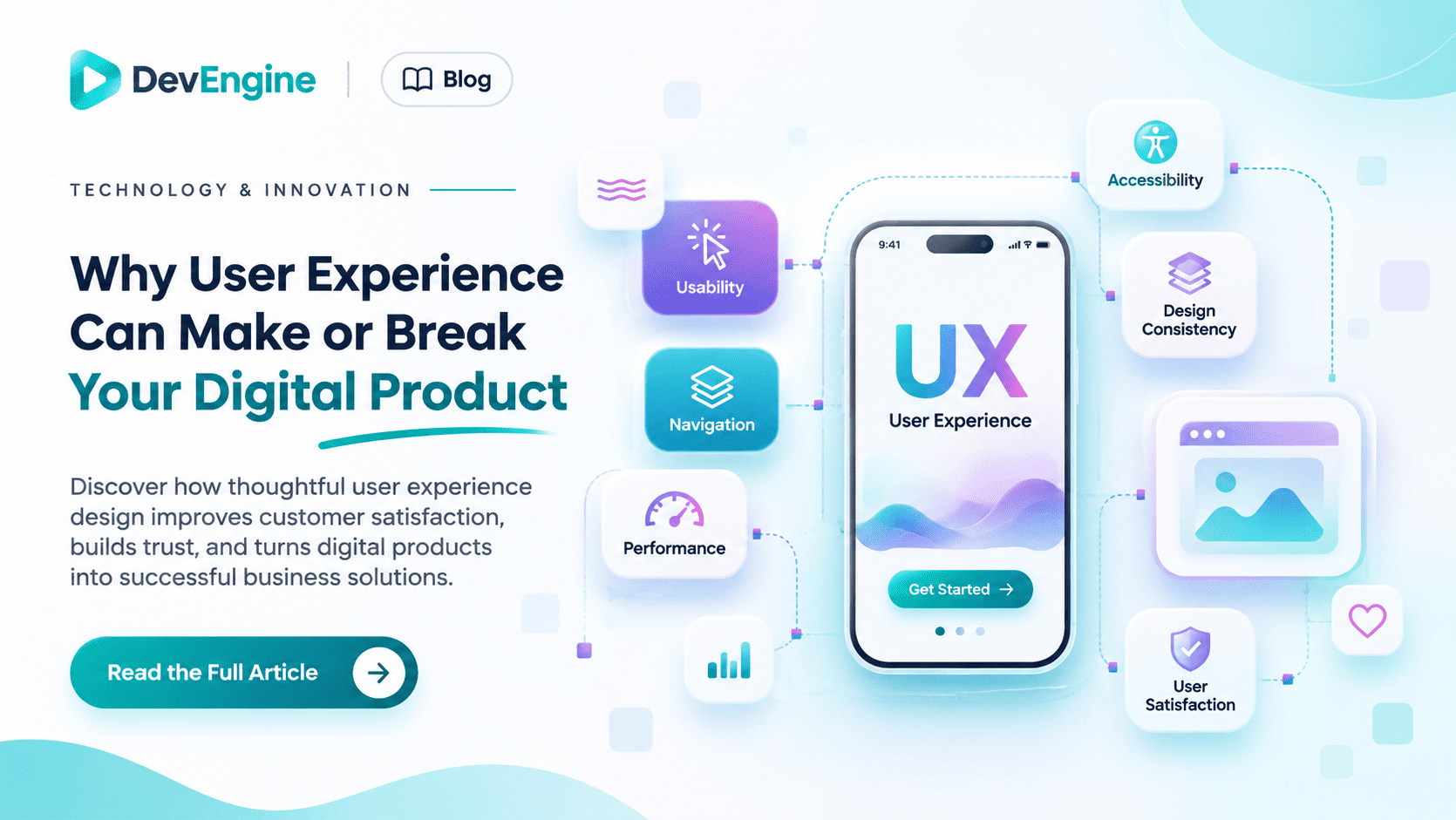
Why User Experience Can Make or Break Your Digital Product
A digital product can have powerful features, modern technology, and an attractive design. However, if users struggle to understand or navigate it, they may stop using it.
This is where User Experience (UX) becomes essential.
User Experience refers to the overall experience people have when interacting with a website, mobile application, or software platform. It includes usability, accessibility, navigation, performance, and how easily users can accomplish their goals.
For businesses, good UX is not simply about making an application look beautiful. It is about making digital interactions meaningful, efficient, and enjoyable.
Here are seven important principles that help create better digital experiences.
1. Understand Your Users Before Designing
Successful products begin with understanding the people who will use them.
Different audiences have different expectations, technical abilities, and problems. A solution designed without understanding its users may introduce unnecessary complexity.
Businesses should identify:
- Their target audience and user demographics.
- The problems users are trying to solve.
- Common frustrations with existing solutions.
- User expectations and preferred workflows.
- The most important actions users need to complete.
User interviews, surveys, feedback, and usability testing can help teams make better design decisions.
2. Keep Navigation Simple and Intuitive
Users should not have to spend time figuring out where important features are located.
Clear navigation helps people move through an application naturally and complete tasks without confusion.
Consider these practices:
- Use familiar navigation patterns.
- Organize features into meaningful categories.
- Keep important actions easy to find.
- Use clear labels instead of complicated terminology.
- Maintain consistent navigation across screens.
A simple interface often creates a more effective experience than one overloaded with unnecessary options.
3. Prioritize Performance and Responsiveness
User experience is closely connected to application performance.
Slow-loading pages, delayed interactions, unexpected errors, and unresponsive interfaces can frustrate users and reduce engagement.
To improve performance:
- Optimize images and other media assets.
- Reduce unnecessary network requests.
- Implement efficient database queries.
- Use caching where appropriate.
- Monitor application crashes and loading times.
- Ensure interfaces work smoothly across different devices.
A visually attractive application still needs to perform reliably.
4. Maintain Consistency Across the Interface
Consistency helps users understand how a product works.
When buttons, typography, colors, icons, and navigation patterns behave differently across screens, users may become confused.
A well-defined design system can help maintain consistency.
It should establish:
- Typography and color guidelines.
- Button and input field styles.
- Spacing and layout rules.
- Reusable interface components.
- Iconography and interaction patterns.
Consistency also helps development teams build and maintain products more efficiently.
5. Make Accessibility a Priority
A good digital product should be usable by as many people as possible, including individuals with different abilities and accessibility requirements.
Accessibility should be considered throughout the design and development process.
Important practices include:
- Providing sufficient color contrast.
- Supporting screen readers with meaningful labels.
- Using readable font sizes.
- Making interactive elements accessible by keyboard.
- Avoiding reliance on color alone to communicate information.
- Providing appropriate feedback for errors and actions.
Accessible design creates more inclusive experiences and improves usability for everyone.
6. Reduce Friction in Important User Journeys
Every additional step, confusing form, or unnecessary interaction can make it harder for users to complete their goals.
Businesses should identify important user journeys and remove unnecessary obstacles.
For example:
- Simplify account registration.
- Reduce unnecessary form fields.
- Make checkout processes straightforward.
- Provide clear confirmation messages.
- Explain errors and how users can resolve them.
- Guide new users through essential features.
The objective is not simply to reduce the number of screens. It is to make every interaction useful and understandable.
7. Continuously Improve Through User Feedback
UX design should never be treated as a one-time activity.
User expectations change, products evolve, and new usability problems can appear as applications grow.
Businesses should continuously evaluate their products through:
- User feedback and support requests.
- Usability testing.
- Session and interaction analytics.
- Conversion and retention metrics.
- Application performance monitoring.
- Regular interface reviews.
For example, if many users abandon a registration process at the same step, the design team should investigate whether that step is confusing, unnecessarily complicated, or experiencing technical problems.
Continuous improvement helps businesses make decisions based on real user behavior instead of assumptions.
Final Thoughts
User experience is one of the foundations of a successful digital product.
It influences how people discover features, complete tasks, interact with services, and decide whether to return.
Businesses that invest in usability, accessibility, performance, and continuous improvement can build products that are not only technically capable but also genuinely valuable to their customers.
At DevEngine, we believe technology should make people's lives easier. Great products are built when thoughtful engineering meets meaningful user experiences.
Build. Deploy. Grow.