
Why Business Automation Is Essential for Growing Businesses
Discover how automation reduces repetitive work, improves operational efficiency, minimizes errors, and helps businesses scale smarter.

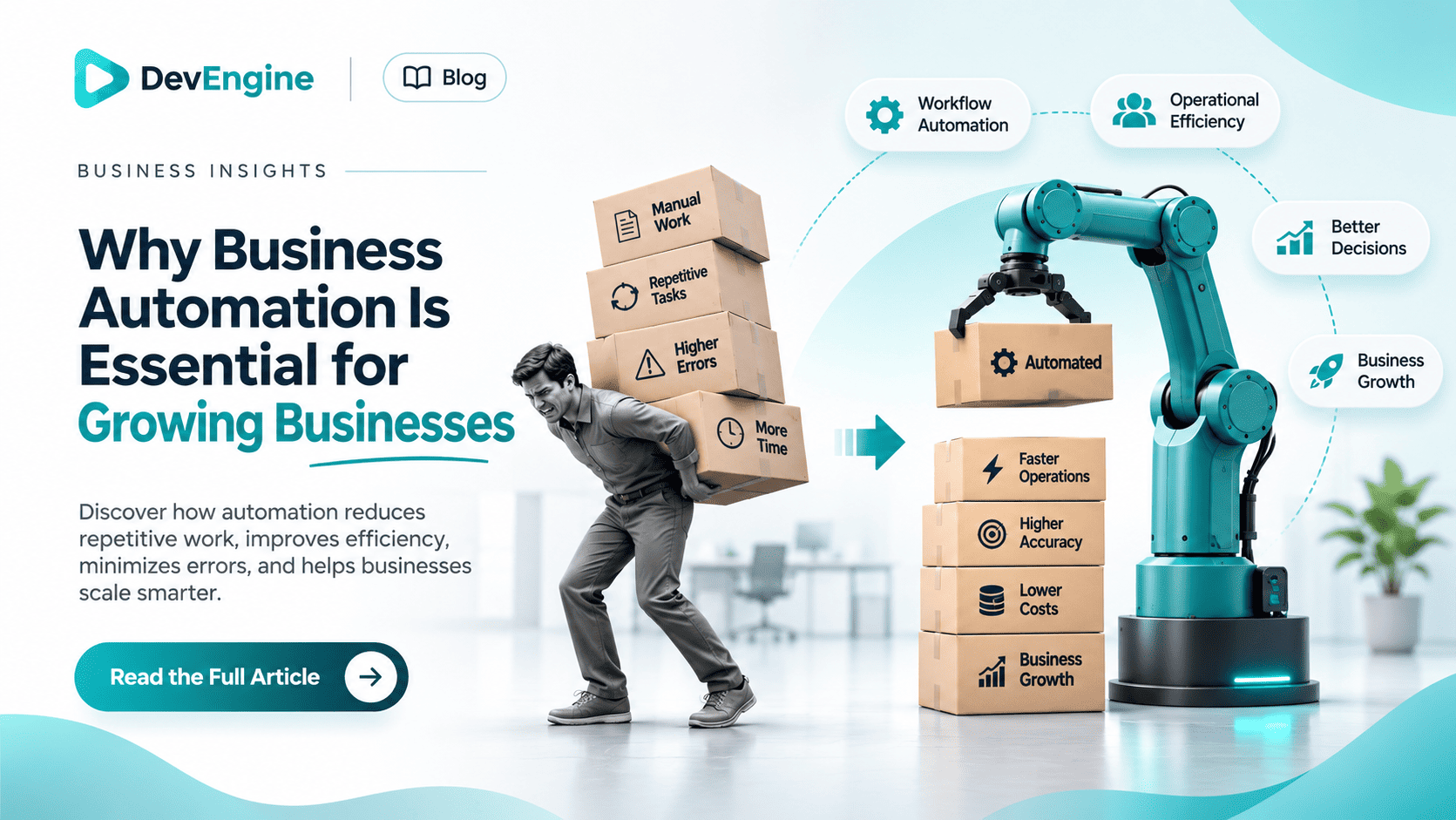
Why Business Automation Is Essential for Growing Businesses
Growing a business is exciting, but it also introduces new challenges. As customer numbers increase, operations expand, and teams become larger, managing everything manually becomes increasingly difficult.
Tasks that once required only a few minutes can turn into hours of repetitive work. Employees spend more time managing routine activities, responding to requests, updating records, and coordinating processes instead of focusing on meaningful business goals.
This is where business automation becomes valuable.
Business automation uses technology to perform repetitive tasks, connect workflows, and reduce unnecessary manual involvement. It helps businesses operate more efficiently while creating a foundation for sustainable growth.
1. Reduce Repetitive Manual Work
Many business operations involve tasks that follow the same steps every day.
Examples include:
- Sending invoices and payment reminders.
- Updating customer records.
- Generating routine reports.
- Processing orders and confirmations.
- Managing employee attendance.
- Sending appointment notifications.
Performing these tasks manually consumes valuable time and increases the possibility of mistakes.
Automation allows businesses to handle recurring activities through predefined workflows. Employees can then spend more time on customer relationships, problem-solving, planning, and other higher-value responsibilities.
The objective is not to eliminate human involvement. It is to eliminate unnecessary repetitive effort.
2. Improve Operational Efficiency
As businesses grow, disconnected tools and manual processes can slow down daily operations.
For example, an order may need to pass through sales, inventory, billing, and delivery departments. If every department manages information separately, delays and communication gaps become more likely.
Automated workflows help connect these activities.
When an order is confirmed, a system could automatically update inventory, generate an invoice, notify the relevant team, and record the transaction.
This creates a more organized operational process with fewer unnecessary steps.
3. Minimize Human Errors
Manual data entry and repetitive administrative work can lead to incorrect information, missed updates, duplicate records, and calculation mistakes.
Even small errors can create larger problems when they affect financial records, customer information, inventory, or business decisions.
Automation helps reduce these risks by applying consistent rules and predefined processes.
For example:
- Automated calculations can reduce billing mistakes.
- Validation rules can prevent incomplete data submissions.
- Inventory alerts can identify low-stock situations.
- Scheduled backups can help protect important business information.
However, automation still requires proper configuration, monitoring, and quality control. A poorly designed automated workflow can repeat mistakes just as quickly as it performs correct tasks.
4. Deliver Better Customer Experiences
Customers expect businesses to respond quickly, provide accurate information, and deliver consistent service.
Manual processes can make it difficult to maintain these expectations as customer demand increases.
Business automation can improve customer experiences through:
- Instant order confirmations.
- Automated appointment reminders.
- Faster customer support routing.
- Personalized follow-up messages.
- Real-time order and service updates.
- Automated feedback collection.
For example, an eCommerce business can automatically notify customers when an order is confirmed, shipped, or delivered.
These small improvements create a smoother customer journey and help businesses maintain reliable communication.
5. Make Better Decisions with Organized Data
Business decisions become more difficult when information is scattered across spreadsheets, emails, and disconnected applications.
Automation can collect, organize, and process operational information to make reporting more consistent.
Businesses can use automated dashboards and reports to monitor:
- Sales performance and revenue trends.
- Customer activity and engagement.
- Inventory levels and product movement.
- Employee productivity.
- Expenses and financial performance.
- Operational bottlenecks.
When accurate information is available at the right time, business owners and managers can identify problems earlier and make more informed decisions.
Automation does not replace business judgment. It provides better information to support it.
6. Scale Operations Without Increasing Complexity
One of the biggest challenges of business growth is managing increasing workloads.
A company that handles 50 orders per day may manage its operations manually. But when that number increases to 500 or 5,000, the same processes may no longer be practical.
Automation helps businesses handle larger workloads without requiring every additional activity to be managed manually.
For example, an automated system can process order notifications, update stock records, generate reports, and organize customer information across a growing operation.
This makes it easier to expand services, support more customers, and improve internal processes.
However, automation should grow alongside business requirements. Systems must be designed to handle increased workloads, changing processes, and future integrations.
7. Identify the Right Processes to Automate
Not every business activity needs automation.
The most effective approach is to identify processes that are repetitive, time-consuming, rule-based, and likely to benefit from consistent execution.
Consider the following examples:
- Sales: Lead tracking, follow-up reminders, and sales reports.
- Finance: Invoice generation, payment reminders, and expense tracking.
- Human Resources: Attendance records, leave requests, and employee onboarding.
- Inventory: Stock updates, low-stock alerts, and purchase notifications.
- Customer Support: Ticket assignment, automated responses, and customer follow-ups.
- Marketing: Email campaigns, scheduled posts, and customer segmentation.
Before implementing automation, businesses should evaluate the process, identify potential risks, and define the expected outcome.
Start with one meaningful workflow, measure its results, and expand gradually.
How to Start Automating Your Business
A successful automation strategy does not require transforming every department at once.
Businesses can begin with a structured approach:
- Identify repetitive tasks: Find activities that consume significant time or involve frequent manual updates.
- Understand existing workflows: Document how each process currently works and identify unnecessary steps.
- Choose suitable technology: Select software and integrations that match actual business requirements.
- Implement gradually: Begin with a small, high-impact workflow before expanding.
- Monitor performance: Track time savings, error rates, processing speed, and overall results.
- Improve continuously: Review automated processes and adjust them as business needs change.
Security, access control, data protection, and proper testing should remain part of every automation project.
Final Thoughts
Business automation is no longer just a convenience for large organizations. It is becoming an important part of how modern businesses manage operations, improve productivity, and prepare for growth.
By reducing repetitive work, connecting business processes, improving accuracy, and providing better operational visibility, automation allows teams to focus on what matters most.
The real value of automation is not simply doing more work in less time. It is building smarter processes that help a business grow without making everyday operations unnecessarily complicated.
Automate the repetitive. Empower the people. Build a business ready to grow.