
Flutter, Firebase, Cloud & Beyond: The Stack Behind Our Modern Products
A look inside the technologies, tools, and engineering decisions we use to turn product ideas into reliable software.

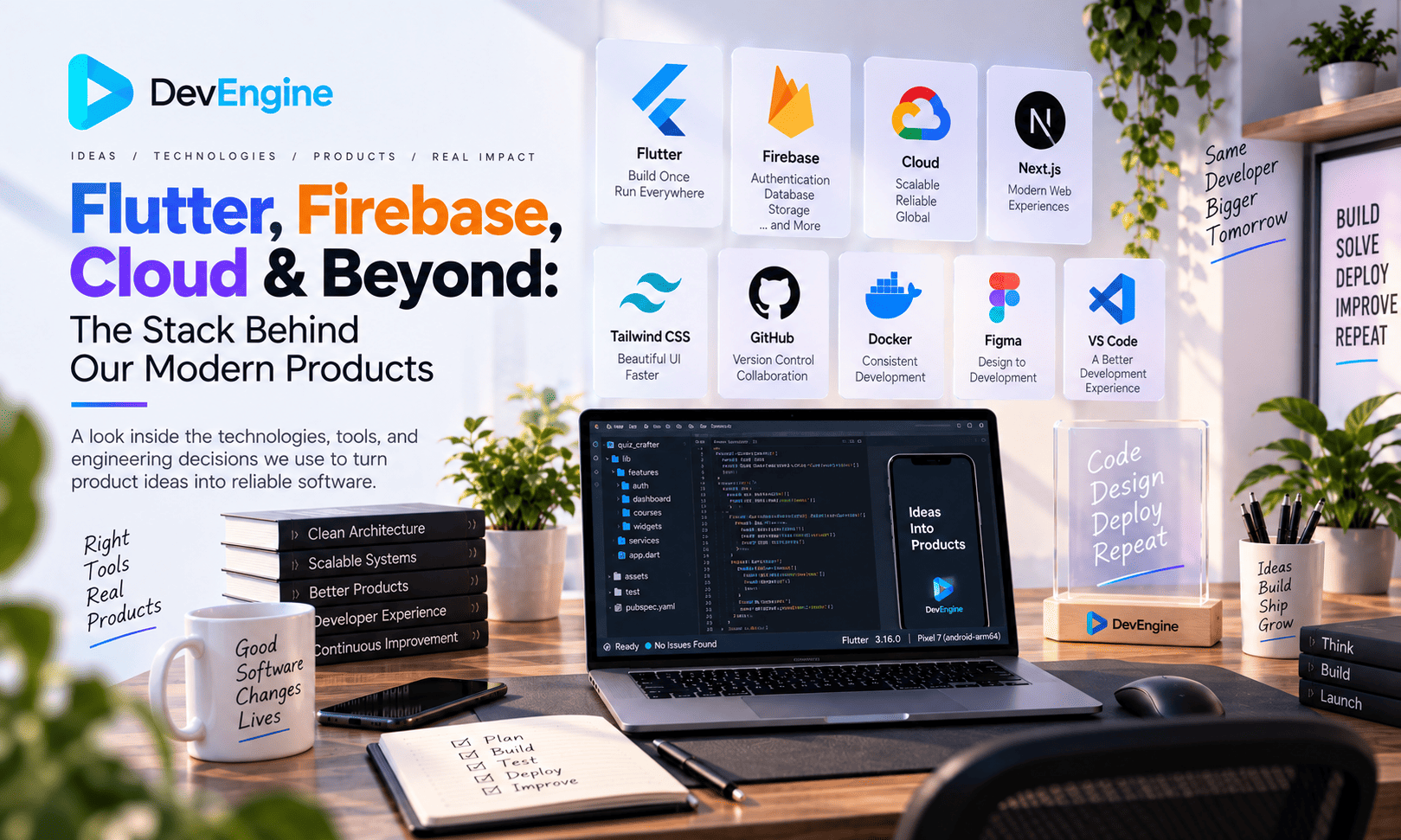
Flutter, Firebase, Cloud & Beyond: The Stack Behind Our Modern Products
There is no single technology behind a modern software product.
Even a simple application can involve dozens of tools working together.
A mobile framework.
A web framework.
A database.
Authentication.
Cloud infrastructure.
APIs.
Storage.
State management.
Analytics.
Crash reporting.
CI/CD.
Testing.
Deployment.
The user may only see a few screens.
Behind those screens is an entire engineering system.
At DevEngine, we use different technologies across different products, but there is one principle behind the choices:
The technology should serve the product.
Flutter: One Product, Multiple Platforms
Flutter has become an important part of how we build mobile experiences.
One of its biggest advantages is the ability to create applications for multiple platforms while maintaining a shared development foundation.
For a product that needs to exist across Android and iOS, this can significantly simplify development.
But cross-platform development isn't only about writing code once.
A good Flutter application still needs to consider:
- Platform differences
- Responsive layouts
- Navigation
- State management
- Performance
- Permissions
- Notifications
- Native integrations
- App lifecycle
- Store requirements
Flutter gives us the foundation.
Engineering determines how well that foundation is used.
Why We Like Flutter
One of the things we value about Flutter is control.
The framework gives us a strong toolkit for creating custom interfaces.
Instead of being restricted to platform-specific UI patterns, we can build experiences that closely match the product's visual identity.
That becomes particularly useful when the interface itself is an important part of the product.
Reusable components also allow us to establish consistent design systems across different screens.
A button should behave consistently.
A card should feel like it belongs to the same product.
Typography should have a clear hierarchy.
Spacing should follow a system.
Good UI isn't created by styling every screen independently.
It comes from building a reusable visual language.
Riverpod and Application State
As applications become more complex, managing state becomes increasingly important.
A screen might depend on:
- Authentication
- Remote data
- User preferences
- Form state
- Loading states
- Errors
- Permissions
- Cached information
Without a clear approach, this can quickly become difficult to maintain.
For projects where it fits the requirements, we use structured state-management approaches such as Riverpod to keep application logic organized.
The goal isn't to introduce another layer simply because a library exists.
The goal is to keep the relationship between UI, application state, and business logic understandable.
Firebase: The Backend Foundation
For many products, building an entire backend infrastructure from scratch isn't necessary.
This is where Firebase can become extremely useful.
Authentication.
Cloud Firestore.
Storage.
Crash reporting.
Analytics.
Notifications.
These services can provide important backend capabilities without requiring every infrastructure component to be designed and maintained from the beginning.
That can allow a product team to spend more time solving the actual product problem.
Authentication Is More Than a Login Screen
Authentication often looks simple from the user's perspective.
Enter an email.
Enter a password.
Sign in.
But behind that interaction is a security system.
Identity needs to be established.
Sessions need to be managed.
Access needs to be controlled.
Passwords need to be handled securely.
Different authentication methods may need to coexist.
And the application needs to know what the authenticated user is allowed to do.
That's why authentication is part of the architecture, not just another screen.
Firestore and Data Design
A database isn't simply where information is stored.
The way data is structured affects the entire application.
It affects:
- Queries
- Performance
- Permissions
- Relationships
- Reporting
- Scalability
- Feature development
With Firestore, data modeling requires particular attention because the way collections and documents are structured directly influences how efficiently the application can retrieve information.
A simple data model can make an application easier to maintain.
A poorly planned one can make every future feature more complicated.
That's why database design belongs near the beginning of a project.
Security Rules Are Part of the Application
One of the lessons we've learned from working with cloud databases is that security can't be left until the end.
A frontend can hide a button.
That doesn't mean the underlying data is protected.
Authorization needs to exist at the data and backend level as well.
Who can read this?
Who can create it?
Who can update it?
Who can delete it?
Does the user own this information?
Does their role permit this operation?
These questions need explicit answers.
Security isn't a visual feature.
It's an architectural responsibility.
APIs Connect the Pieces
Not every product can or should depend entirely on one backend service.
External APIs and custom backend services often become necessary.
Payments.
Third-party integrations.
Custom business logic.
External data.
Internal systems.
Communication between services.
APIs become the bridge between different parts of the software ecosystem.
Good API design helps those systems communicate without tightly coupling everything together.
Web Technologies Have Their Own Role
Mobile applications are only one part of modern software.
Many products also require web platforms.
Administration dashboards.
Business portals.
Marketing websites.
Customer management systems.
Internal tools.
Analytics dashboards.
For these products, modern web technologies can provide the flexibility required to build complex browser-based experiences.
The exact framework can change from project to project.
Again, the product determines the technology.
The Website Is Often More Than a Website
A modern product website can have several responsibilities.
It may introduce the product.
Convert visitors.
Provide documentation.
Handle authentication.
Display dynamic content.
Connect to APIs.
Provide an administration interface.
Deliver downloads.
Or become an actual application itself.
That's why we don't think about web development as simply "making pages."
We think about the role the web experience plays inside the larger product.
Cloud Infrastructure
As a product grows, infrastructure becomes increasingly important.
Applications need somewhere to run.
Databases need to remain available.
Files need to be stored.
APIs need to respond.
Errors need to be monitored.
Deployments need to be repeatable.
Cloud platforms make many of these capabilities accessible without requiring a company to operate physical infrastructure itself.
But cloud doesn't automatically mean simple.
Poorly configured infrastructure can still become expensive, insecure, or difficult to maintain.
The cloud is infrastructure.
Engineering still matters.
CI/CD: From Code to Release
Writing code is only one step.
The software eventually needs to become a release.
That's where CI/CD becomes valuable.
A healthy development pipeline can automate parts of:
- Building
- Testing
- Validation
- Versioning
- Deployment
Automation reduces repetitive manual work.
More importantly, it makes the release process more consistent.
Instead of asking:
"Did we remember to do everything?"
the pipeline can handle repeatable steps automatically.
Deployment Is Part of Development
We believe deployment shouldn't be a completely separate world.
The earlier we understand how software will be released, the better we can design the project.
For mobile products, that can involve:
- Android builds
- iOS builds
- App signing
- Store requirements
- Version management
- Release testing
For web products, it may involve:
- Production builds
- Environment variables
- Hosting
- Domains
- APIs
- Monitoring
Different platforms have different requirements.
The engineering process needs to account for them.
Monitoring What We Cannot See
Once software reaches users, developers lose direct visibility into everything happening inside the application.
A user might experience a crash that never appeared during development.
An API might fail intermittently.
A particular device might behave differently.
A specific workflow might produce unexpected errors.
Monitoring and crash reporting help turn those invisible problems into observable information.
That information makes debugging possible.
Performance Is a Feature
Performance isn't something we should think about only after users complain.
Slow applications affect the experience directly.
Large assets.
Unnecessary network requests.
Heavy computation.
Poor database queries.
Excessive rebuilds.
Inefficient rendering.
All of these can affect perceived performance.
Good performance doesn't always mean making everything extremely fast.
It means making the important parts feel responsive and reliable.
We Don't Use Every Tool Everywhere
This is probably the most important part of the entire article.
The fact that we use a technology in one project doesn't mean it belongs in every project.
One product may need Firebase.
Another may benefit from a custom backend.
One application may use Flutter.
Another may be primarily web-based.
One system may need real-time data.
Another may not.
Architecture should respond to requirements.
Not personal preference.
Not trends.
Not hype.
The Stack Is a Living System
A technology stack isn't something we choose once and forget.
As products grow, the stack evolves.
A prototype may use a simple architecture.
The production version may need stronger separation.
A new feature may introduce another service.
A growing user base may require optimization.
A new platform may require another client.
The important thing is keeping the system understandable as it evolves.
Technology Should Reduce Problems, Not Create Them
Every technology choice has a cost.
A new dependency adds maintenance.
A new service adds configuration.
A new framework adds knowledge requirements.
A new architecture adds complexity.
So before adding something, we should ask:
What problem does this solve?
How important is that problem?
What complexity does it introduce?
Will the benefit justify that complexity?
Those questions help keep the stack intentional.
Beyond the Stack
The technologies we use today will change.
Some tools will become more powerful.
Some will become less relevant.
New approaches will appear.
AI will continue changing development workflows.
Cloud platforms will evolve.
Frameworks will continue moving.
That's expected.
The real engineering skill isn't memorizing a particular stack.
It's learning how to evaluate tools and understand systems.
The Technology Behind the Technology
When someone asks what technology DevEngine uses, there isn't one simple answer.
The answer is:
It depends.
But underneath the different stacks is a consistent approach.
Understand the product.
Understand the constraints.
Choose the right tools.
Keep the architecture clear.
Automate what can be automated.
Secure what needs to be protected.
Monitor what users depend on.
And keep improving.
Tools Change. Principles Stay.
Flutter may evolve.
Firebase may evolve.
Cloud platforms will evolve.
Web frameworks will evolve.
Development workflows will evolve.
But the fundamentals remain.
Build for the user.
Keep systems understandable.
Use technology intentionally.
Design for failure.
Think about security.
Automate repeatable work.
Measure what matters.
Ship.
Learn.
Improve.
That's the technology philosophy behind DevEngine.
Not one fixed stack.
A continuously evolving engineering system built around the product.
If you're evaluating a cross-platform mobile build, learn more about our mobile engineering capabilities.